Spectral Fades REMAKE How to Redeem Codes
A clear Roblox redemption walkthrough for when Spectral Fades REMAKE promo rewards go live.
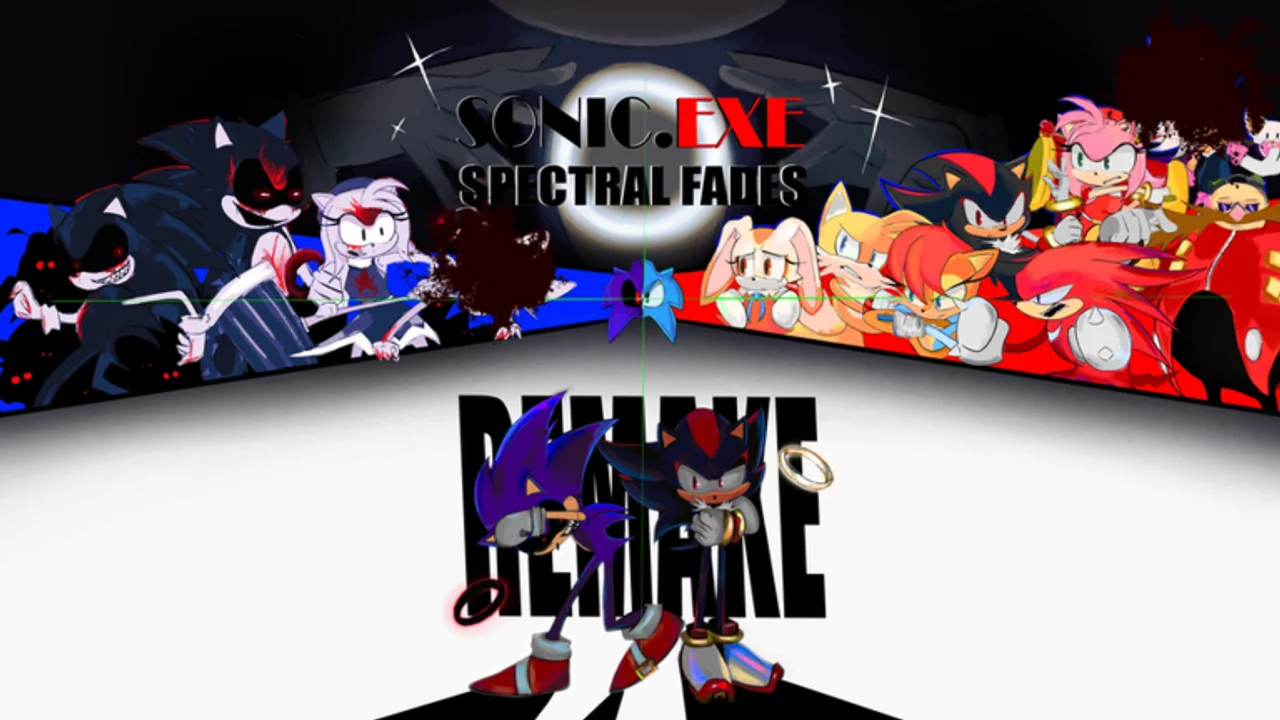
Spectral Fades REMAKE is an online multiplayer Roblox asymmetrical horror game by L8Hu, currently in early access with v1.0 still in development. Promo codes are not live yet as of mid-2026, but knowing the redemption flow now saves minutes when the first official string drops. This guide covers standard Roblox patterns, game-specific expectations, and troubleshooting for Survivors and EXEs alike.
Return to the Codes Hub for the active list once L8Hu publishes rewards.
Before you redeem
Complete these checks so you do not lose a limited-time code:
- Use the official experience — open Spectral Fades REMAKE on Roblox (place 17027058704, universe 5839302258). Clones and outdated places will not grant rewards.
- Log into the correct account — codes bind to the Roblox profile that redeems them. Shared family accounts should pick one player first.
- Copy the code exactly — most strings are case-sensitive. Paste instead of typing when possible.
- Confirm the source — only trust codes posted on the developer Discord, Roblox group, or this wiki after we verify them on the Codes Hub.
Step-by-step redemption (standard Roblox flow)
UI labels move during early access, but the sequence below matches most L8Hu-era horror menus:
Step 1: Launch the game
From the Roblox app or browser, press Play on the official page. Wait until the main menu or lobby loads fully. Redeeming from a frozen loading screen often fails silently.
Step 2: Open the codes interface
Look for one of these entry points (exact names may differ by patch):
- A Codes or Promo Codes button on the title screen
- A Twitter / bird icon near Settings (common Roblox shorthand for social promos)
- A Shop tab with a secondary Codes panel
- Settings → Redeem in newer builds
If you cannot find the button after a patch, check Updates — we note menu moves there when reported.
Step 3: Enter the code
Tap the text field, paste the promo string, and press Redeem, Claim, or Enter. Valid codes usually show a green confirmation with item names. Invalid codes return an error such as “Invalid” or “Expired.”
Step 4: Collect rewards
Cosmetics often appear immediately in your inventory or locker. Currency may require opening the shop once. If nothing appears:
- Rejoin the online server (leave and press Play again)
- Restart the Roblox client
- Wait five minutes — occasional server delay happens during peak hours
Step 5: Verify ownership
Open the wardrobe, EXE selector, or inventory screen to confirm the reward. Screenshot confirmation helps if you need to report a bug to moderators on Discord.
Mobile vs PC
Both platforms redeem the same account-wide rewards because Roblox syncs inventory globally.
| Platform | Tip |
|---|---|
| PC | Easier copy-paste from Discord or this wiki |
| Mobile | Long-press to paste; watch for autocorrect changing letters |
| Console (Xbox) | Use Roblox mobile or PC to paste complex strings, then rejoin on console |
Common errors and fixes
“Invalid code” — typo, expired promo, or fake string from an unofficial site. Double-check the Codes Hub list.
“Already redeemed” — the account used this code before; codes are one-time per profile.
“Please try again later” — Roblox or game servers under load. Retry after a few minutes in a fresh online lobby.
No button visible — early-access UI refactor. Read patch notes or ask in the official Discord linked from Official Links.
Security reminders
Never enter your Roblox password on external “code generator” websites. Real redemption happens only inside the official game client. Sites promising free codes in exchange for downloads are a common malware path — see Script Safety for parallel risks.
After your first successful redeem
Follow Getting Started if you are new to Survivor objectives and EXE chase mechanics. Codes may add cosmetics, but online match knowledge keeps you alive longer than any skin.
Keeping this guide updated
When L8Hu ships the first live code menu, we will add exact button names and menu paths observed in-game. Until then, treat this page as the Roblox-standard template matched to Spectral Fades REMAKE’s early-access lifecycle.
Frequently Asked Questions
Quick answers for Spectral Fades REMAKE players.
Can I redeem Spectral Fades REMAKE codes on mobile?
Yes. Log into the same Roblox account, open the official game, and use the in-game codes menu. Paste carefully to avoid typos.
Why is there no codes button in my lobby?
No active promos may mean the menu is hidden until the first official campaign, or a recent patch moved it. Check Updates and Official Links for announcements.
Do redeemed items work in online multiplayer?
Yes. Cosmetics and account-bound rewards sync to your Roblox profile and appear in public lobbies up to the 17-player cap.
Can one code be used on multiple accounts?
Usually each account redeems once. Family members need separate Roblox profiles for separate rewards.
What if a code from Discord fails?
Confirm it was posted by L8Hu or moderators, check expiry, and ensure you are on place 17027058704 — not a fan reupload.